60 vs 144 vs 240 Hz: What Higher Refresh Rates Actually Change — and Where the Gains Stop
The frame-time math of high refresh rates is simple; the perception of them is not. Where the jump from 60 to 144 Hz is obvious to almost anyone, the gains past 240 Hz live in fractions of a millisecond that only specific hardware chains can deliver. Here is what the numbers say.
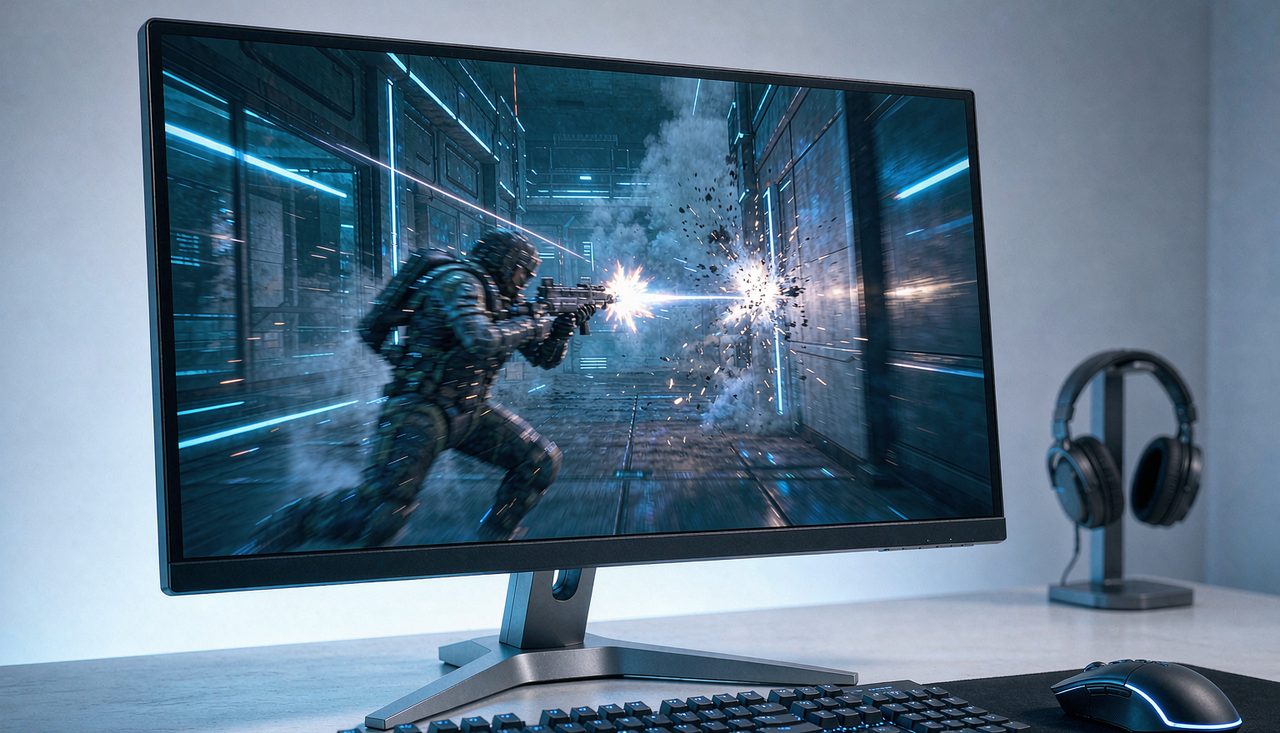
Few pieces of gaming hardware are marketed harder than the esports monitor, and few specs are more genuinely measurable than refresh rate. Both things are true at once, which is what makes this purchase easy to overthink. The honest answer is that refresh rate gains are real, front-loaded, and bounded — the jump you can feel shrinks with every step up, and past a certain point the money is better spent almost anywhere else. Let us go through what each tier actually changes.
The frame-time math that everything rests on
Refresh rate is just how many times per second the display draws a new image, and the frame time follows directly from it:
- 60 Hz = one frame every 16.7 ms
- 144 Hz = one frame every 6.9 ms
- 240 Hz = one frame every 4.2 ms
Two consequences follow. First, a higher refresh rate means the monitor shows a fresher game state: whatever happened on your screen was, on average, half a frame-time old at 60 Hz but only 2.1 ms old at 240 Hz. Second, motion looks smoother because the same on-screen movement is divided into more, thinner slices. Both effects are identical in kind across every step up — what changes is their size, and that is where perception comes in.
60 → 144 Hz: the jump nearly everyone can feel
This is the upgrade with the widest consensus, and it is perceptual as much as competitive: moving the mouse on the desktop alone makes the difference obvious to most people, no gameplay required. Smoother motion, less blur on moving objects, and a cursor that tracks the hand more faithfully. It is also the tier with the best price-to-gain ratio — 144 Hz (and 165 Hz) 1080p and 1440p monitors have been budget-category items for years.
The critical requirement is often missed: the monitor does not create frames. If your PC renders the game at 70 FPS, a 144 Hz screen shows 70, not 144, and you get a compromise that is smoother than 60 but with uneven frame pacing. To actually get 144 Hz benefits, your GPU must deliver around 144 FPS in your games — which is why high refresh rate is a system purchase. Esports titles (CS2, Valorant, Rocket League) reach these frame rates on mid-range hardware at 1080p; demanding single-player games often do not, which is why a high-Hz monitor pays off most in the fast, competitive titles you play most. Before buying, check what frame rate your current setup actually produces in your main game — if it sits near 60, upgrade the GPU (or lower settings) first, or the monitor upgrade will be half-wasted.
144 → 240 Hz: real, smaller, and conditional
The step from 6.9 ms to 4.2 ms per frame is a 2.7 ms average-freshness improvement — real and measurable, but a fraction of the 9.8 ms the 60-to-144 jump saved. Community testing and display analysis (the measurements published by sites like Blur Busters have documented this tier extensively) consistently describe the same picture: some players notice it, many do not in blind conditions, and those who do mostly describe it as "tightness" of mouse feel rather than a visible change in motion.
Who benefits: players who are already good enough that a few milliseconds of information freshness matter at the margin — typically competitive FPS players at high ranks — on hardware that sustains 240+ FPS in those games. Who does not: anyone whose GPU delivers less, and anyone whose main games are story-driven titles where 240 FPS is unattainable anyway. There is also a hidden tax: driving 240 FPS makes your CPU the likely limiter in many games, so the upgrade can quietly require a platform change, not just a GPU swap.
Beyond 240 Hz: 360 Hz and 500 Hz displays exist and continue the same shrinking curve — a 360 Hz frame takes 2.8 ms, saving just 1.4 ms over 240. These are specialist tools for players whose income or ranking depends on marginal gains, purchased alongside high-end GPUs that can actually feed them. For everyone else, the money does measurably more work elsewhere.
The spec-sheet traps to ignore
- "1 ms response time" tells you almost nothing. Manufacturers measure it under a laboratory transition (gray-to-gray, sometimes the fastest single transition, or with MPRT strobing), and it says nothing about how the panel handles every other transition. Two "1 ms" monitors can differ visibly in smearing.
- Overdrive artifacts are the real cost. Aggressive response-time acceleration reduces smearing but produces "inverse ghosting" — bright halos behind moving objects. A good 144 Hz panel on a sane overdrive setting beats a mediocre 240 Hz panel on its fastest one.
- Refresh rate is not input lag. Total click-to-photon latency includes mouse, CPU, GPU, and display processing. A high refresh rate removes a slice of it; it does not make a slow chain fast. Our input lag guide walks the whole chain in order of what actually pays.
The practical ladder
- If you play at 60 Hz on any hardware: move to 144 Hz at your current resolution. It is the single most perceptible display upgrade available.
- Before buying, confirm your GPU and CPU sustain roughly your target frame rate in the games you actually play.
- Consider 240 Hz only if you play competitive shooters seriously and your hardware already exceeds 240 FPS at your settings.
- Spend leftover budget on the things spec sheets underweight: panel quality, a monitor arm, and a GPU that holds high frame rates at stable frame times. Our stuttering guide explains why frame-time consistency matters as much as the peak number.
The pattern across all of it: the first doubling of refresh rate is a purchase almost nobody regrets, the second is situational, and the third is for specialists. Match the tier to the frame rate your machine can actually deliver, and the spec sheet stops being a trap.