Skip to content

Guides

All guides

Every guide we have published, newest first. Each one walks through specific settings, numbers and checks rather than general advice.

27 guides

A dark gaming setup with a monitor glowing purple and an RGB keyboard, photographed at an angle
undefined min read

Fix Steam Games That Won't Launch on PC

The Play button flips to blue and nothing happens, or the process starts and dies silently. A diagnosis-first order of fixes: file verification, cache, overlays, antivirus, drivers, and launch options.
A gaming desk at night with an ethernet cable plugged into a router with glowing LEDs
undefined min read

Wi-Fi vs Ethernet for Gaming: The Latency Numbers

Wi-Fi adds latency, jitter, and packet loss that show up as rubber-banding and peek disadvantage. Here is the actual difference in milliseconds, why jitter hurts more than average ping, and what a $10 cable and powerline adapters can and cannot fix.

A widescreen gaming monitor displaying a generic first-person shooter training range
undefined min read

Call of Duty Warzone PC Settings That Lift FPS

Warzone rewards high and stable frame rates more than almost any other shooter. The settings that actually matter, the ones that quietly wreck 1% lows, and a baseline config for low, mid, and high-end PCs.

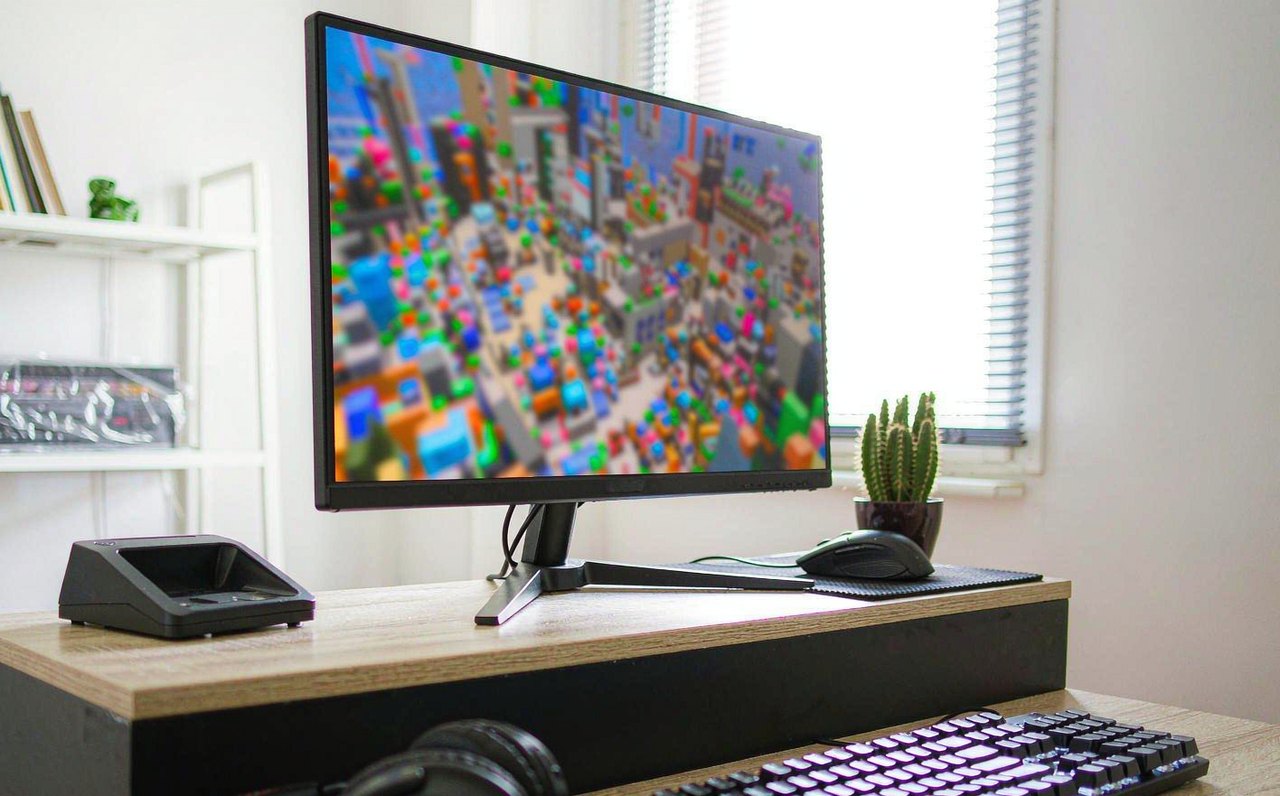
A gaming setup with a monitor showing a colorful blurred blocky game world, keyboard and mouse on a bright desk
7 min read

Roblox Lagging? Settings That Actually Raise FPS

Roblox frame rates depend more on settings and hardware habits than most players think. The graphics slider, fullscreen, and Windows tweaks that measurably help — and what doesn't.

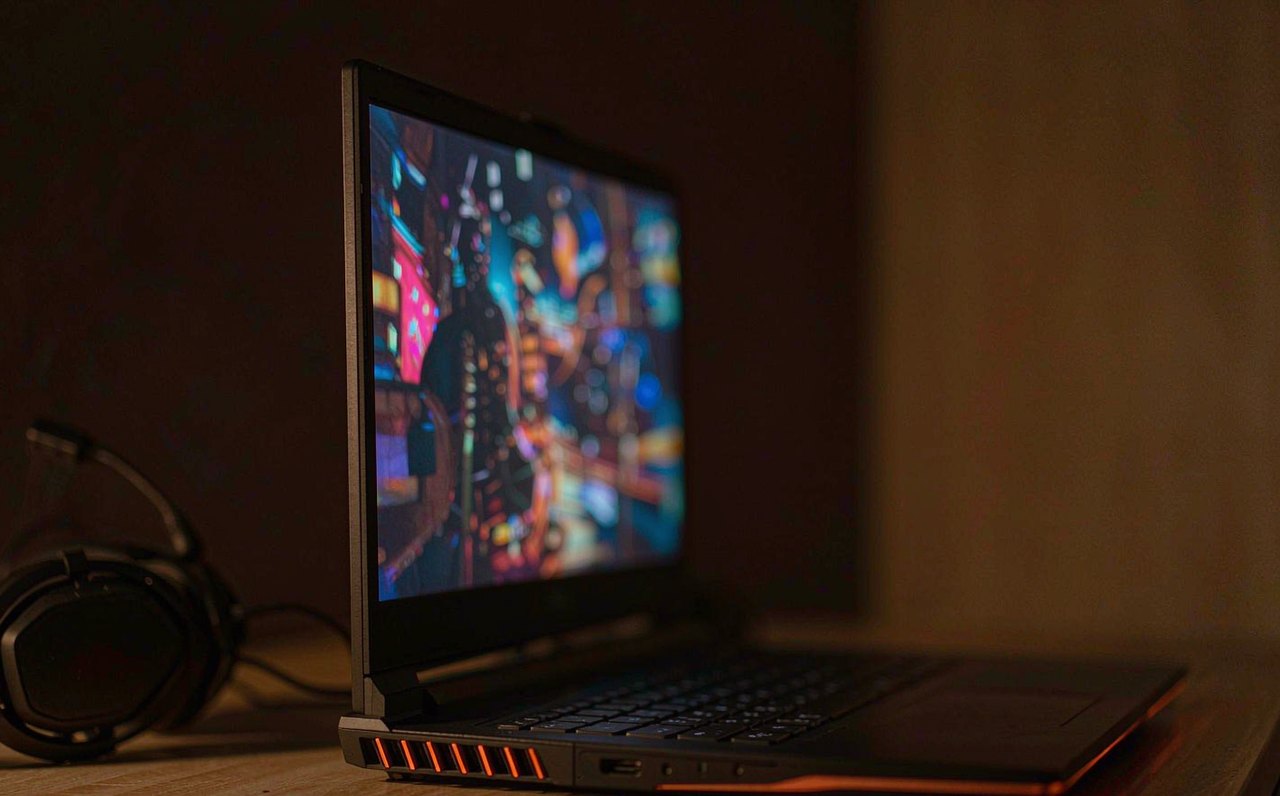
An open gaming laptop on a desk showing a colorful blurred game scene, with its glowing side vents visible in a dim room
8 min read

Games Running on the Wrong GPU? Here’s the Fix

Low FPS no matter what you change on a gaming laptop? The game may be running on the integrated GPU. How to check which GPU a game uses and force the fast one, step by step.

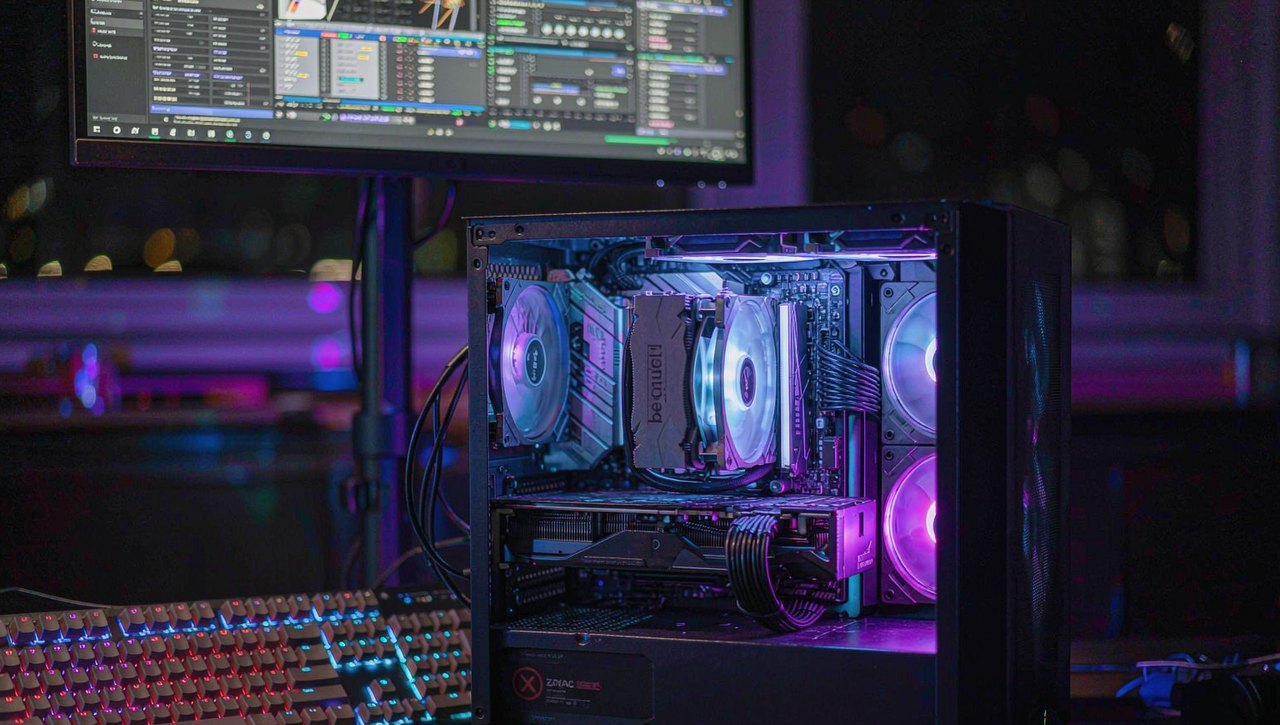
A gaming desk at night with an open PC side panel, a screwdriver resting on the case, and an RGB-lit keyboard and monitor glowing in a dim room
undefined min read

Game Keeps Crashing to Desktop? A Fix Checklist

The game vanishes without an error message and dumps you on the desktop. Learn to read the crash signature in Event Viewer, then work the checklist that fixes each cause.

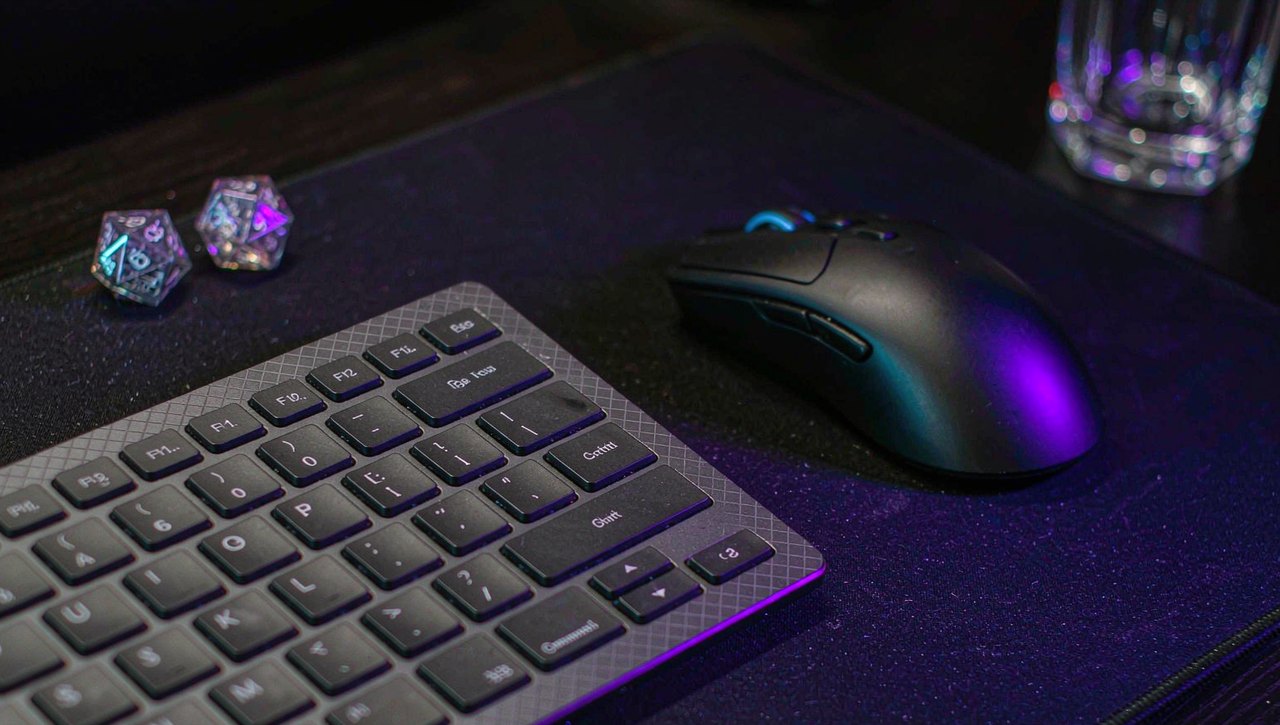
A mechanical keyboard and gaming mouse lit by purple and blue RGB light with two twenty-sided dice beside them on a dark desk
undefined min read

Baldur's Gate 3 PC Settings for Higher FPS

Which BG3 settings actually cost frames, which ones barely matter, and how to set up upscaling, foliage, and the Vulkan/DX11 choice for a smoother run through Faerûn.

A competitive gaming setup with a monitor showing a stylized abstract tactical scene in cool tones, keyboard and mouse in frame, realistic photo style
7 min read

Valorant Best Settings for Max FPS and Visibility

Valorant runs on almost anything, so the goal is not raw frames — it is stable frametimes and seeing enemies first. Every video setting ranked by its real impact, with the menu paths and what to leave on default.

A gaming desk at night with an ethernet cable plugged into a router glowing with activity lights, realistic photo style
8 min read

Fix Lag and Packet Loss in Online Games: A Guide

Rubber-banding and hit registration failures are usually not about speed. How to tell ping, jitter, and packet loss apart, diagnose each with free tools, and fix the causes that live inside your own home.

A PC gaming setup with colorful purple and blue lighting, showing a fast-paced battle royale style game on screen
9 min read

Fortnite on PC: Which Settings Actually Cost Frames (and What to Pick)

Fortnite ships three rendering modes and dozens of graphics options, but only a handful of them move your frame rate much. A settings-by-settings breakdown of Performance Mode vs DirectX 11 vs DirectX 12, with the two options that dominate the frame budget.

A gamer sitting upright at a well-lit desk with the monitor at eye level and forearms resting neutrally on the desk
8 min read

Gaming Ergonomics by the Numbers: Setup, Breaks, and What the Evidence Says

Wrist pain, dry eyes, and 6-hour ranked sessions do not mix. The measurable ergonomic rules for long gaming: monitor height and distance, neutral wrist angles, the 20-20-20 rule, and how break schedules actually map to fewer symptoms — with the sources named.

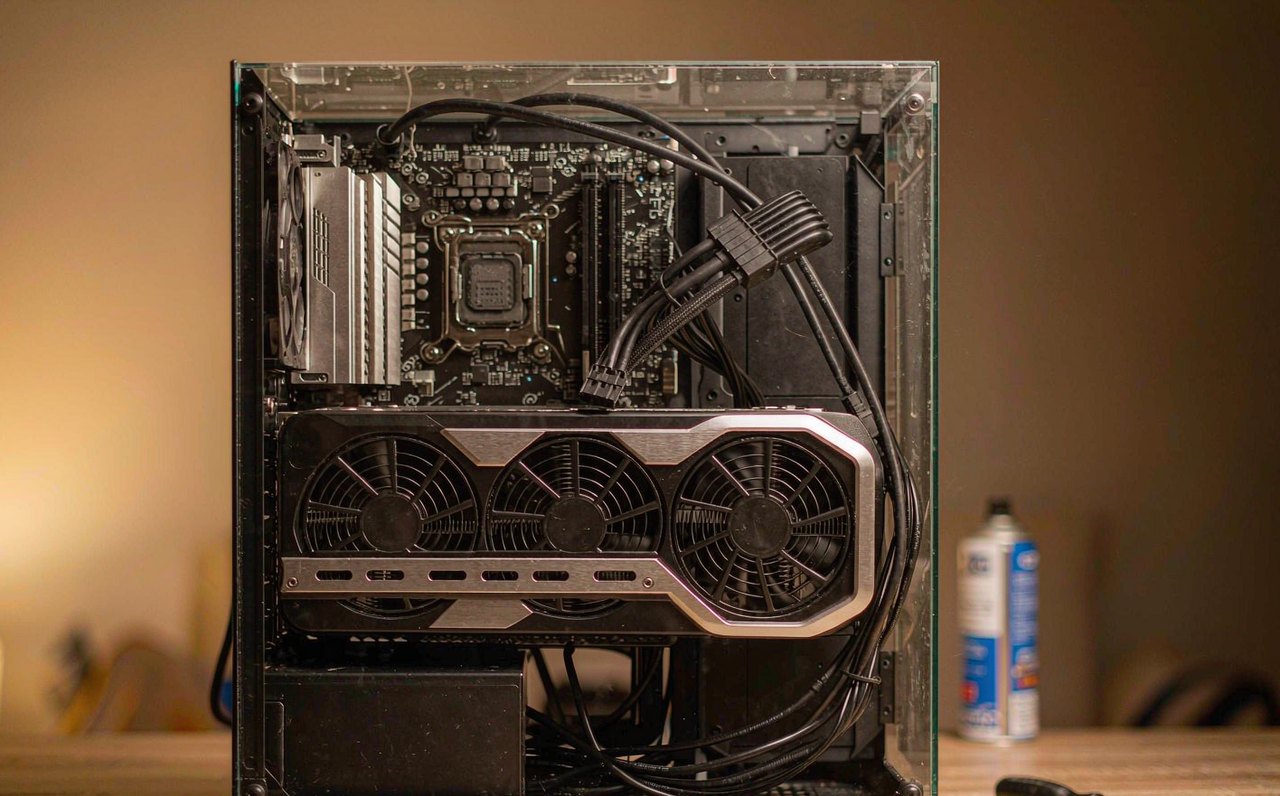
A desktop gaming PC with its side panel removed, showing a large graphics card lit by warm indoor light on a wooden desk
9 min read

Fix "Display Driver Stopped Responding" Game Crashes

The game freezes, the screen goes black for a second or two, and Windows announces the display driver has recovered — or the game just dies with no error at all. That pattern has a technical name and a paper trail in Event Viewer. This walkthrough confirms the diagnosis first, then works through the five causes in the order that finds the culprit fastest.

Professional esports players seen from behind at competition PCs on a lit arena stage, with blurred audience lights in the background
8 min read

How Long Do Esports Careers Actually Last? The Numbers

"Esports pros are washed by 25" gets repeated until it sounds like a law of nature. The public record — reaction-time research, roster transaction databases, league age rules, and a few stubborn exceptions — tells a more specific story: which game, which role, and how the industry pays decide career length far more than birthdays do. Every number here comes from a named public source you can check yourself.

A competitive first-person shooter match mid-round on a wide monitor in a dim room, with a mechanical keyboard and gaming mouse in the foreground
8 min read

CS2 Settings That Actually Cost FPS (And What to Pick)

Counter-Strike 2 runs on Source 2, and most CS:GO-era advice — especially launch options — stopped applying. This guide sorts the CS2 video menu by measured cost: the few settings that genuinely eat frames, the ones that cost nothing, and the visibility settings competitive players should never cheap out on. Change one setting at a time and verify with the built-in FPS counter.

A PC gaming setup showing a Los Santos-inspired sunny city skyline on screen, with a graphics settings menu overlay and an FPS counter
9 min read

GTA V PC Graphics Settings, Ranked: Where Your FPS Actually Goes

GTA V is a decade old and still one of the most-played PC games, but its graphics menu hides a trap: one setting can cost you half your frame rate while three others cost almost nothing. This breakdown ranks every meaningful option by real FPS impact, explains what the Advanced Graphics tab actually does, and ends with the built-in benchmark so you can verify your own numbers.

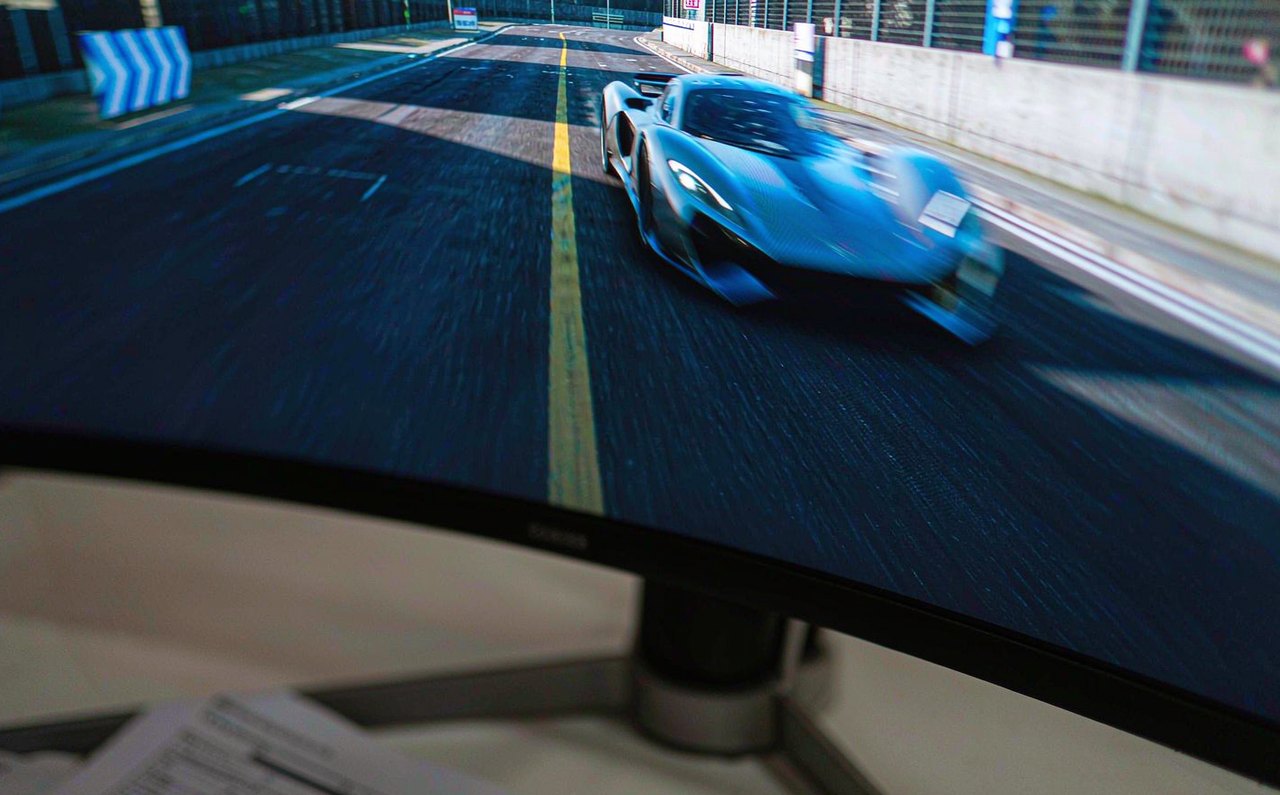
Close-up of a fast-moving esports racing game on a gaming monitor, with slight motion trail visible behind a car, next to the monitor spec sheet on paper
8 min read

That "1ms" Monitor Spec Is Not What You Think: GtG, MPRT, and How to Read It Honestly

Almost every gaming monitor claims 1ms, yet measured pixel transitions on those same panels routinely land between 2 and 8 milliseconds — and a 1ms MPRT figure can coexist with slow pixels entirely. Here is what GtG and MPRT actually measure, why the frame-time math makes the difference visible, and how to buy on measured data instead of box numbers.

A widescreen gaming monitor on a desk displaying a dim, gray-toned landscape, with the Windows HDR settings screen visible on a second screen beside it
8 min read

HDR Looks Washed Out on Windows: Fix the Grayscale, Not Your Monitor

You turned HDR on and the game went flat and gray instead of bright and punchy. That is a brightness-mapping problem, not a broken monitor — and it has five specific, fixable causes: the SDR slider, an uncalibrated HDR profile, a wrong in-game paper-white value, an RGB range mismatch, or the game never outputting HDR at all. Here is how to tell them apart.

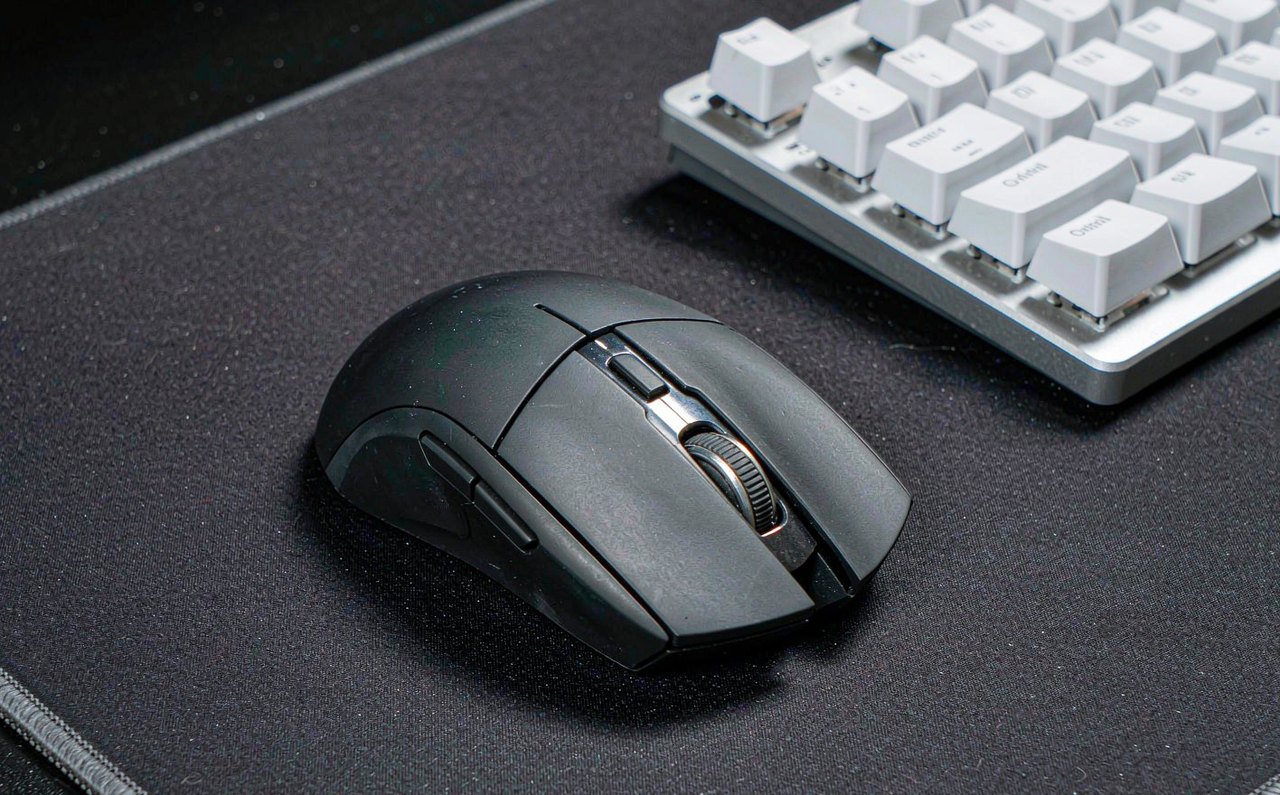
A lightweight gaming mouse photographed on a large dark mousepad next to a mechanical keyboard, studio lighting
8 min read

Gaming Mouse DPI and Polling Rate: Marketing vs Reality

26,000 DPI and 8,000 Hz sound impressive on a box, but the arithmetic tells a different story. What the numbers actually measure, where the real gains stop, and what to check instead before your next mouse purchase.

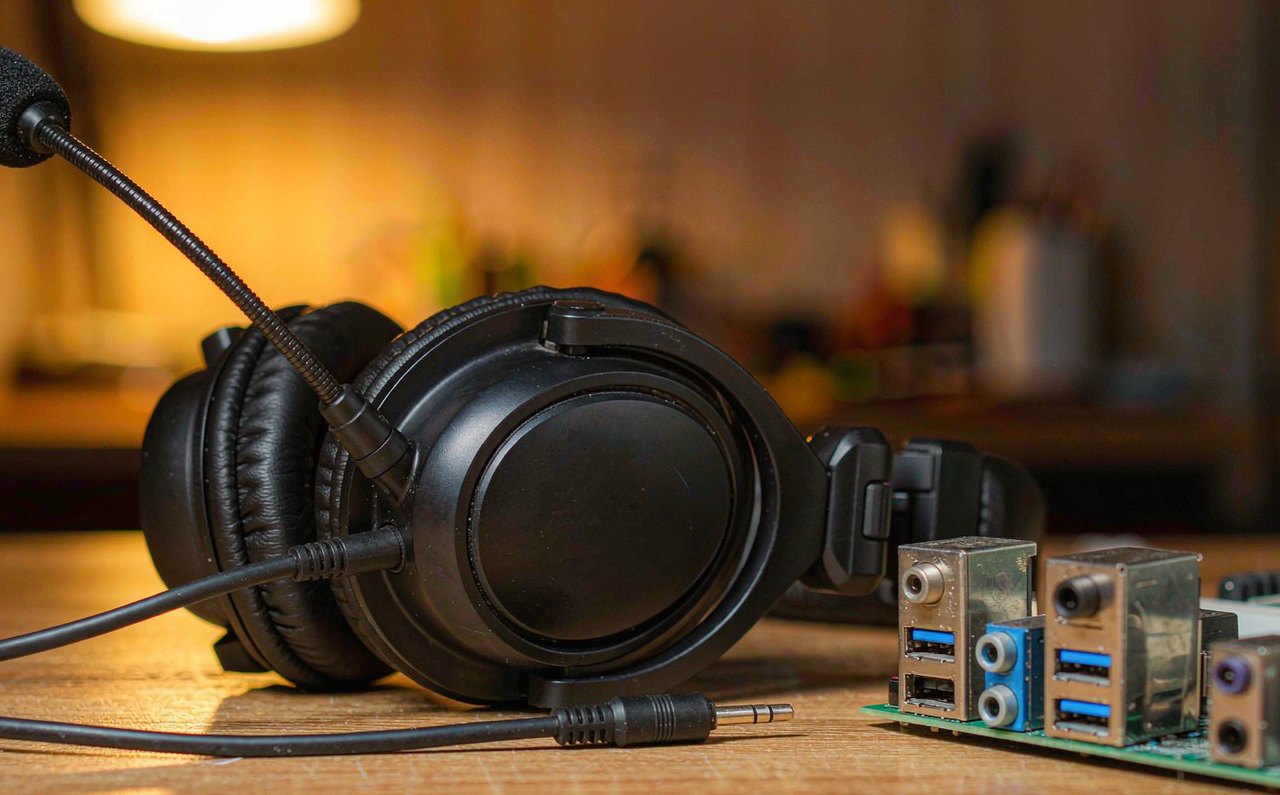
A gaming headset with a boom microphone resting on a desk beside an audio jack splitter cable
9 min read

Headset Mic Static on PC: Fixes for Every Common Cause

Your friends hear a crackle under your voice, or a hiss that never stops. Static has a short list of physical and Windows-level causes, and this walkthrough tests them in order — starting with the 60-second recording that tells you whether the problem is even on your PC.

A dark fantasy open-world landscape with a distant golden tree silhouetted against misty hills on a gaming monitor
10 min read

Elden Ring PC Stuttering: Fixes for Each Known Cause

Elden Ring stutters in two distinct ways — a brief freeze the first time you meet a new enemy or spell, and general low frame pacing — and the two have different fixes. Match your symptom to the cause first, then apply only the fix that fits, from shader caches to VRAM budgets.

A wired gamepad controller with a frayed USB cable plugged in, lying on a wooden desk next to a laptop
9 min read

Controller Not Detected on PC: A Fix for Every Common Cause

Windows ignores your gamepad, or Steam sees it but your game does not. This walkthrough separates the wiring problems from the driver problems from the game problems — with the exact menus to check and a two-minute test that tells you which layer is broken.

A close-up of a gaming mouse on a dark desk mat next to a mechanical keyboard, lit by soft monitor light
8 min read

How to Reduce Input Lag for Competitive Gaming

Input lag is the total delay from your hand to the pixel. Here is where the milliseconds actually hide — GPU queues, display processing, sync settings — and the changes that genuinely remove frames of delay.

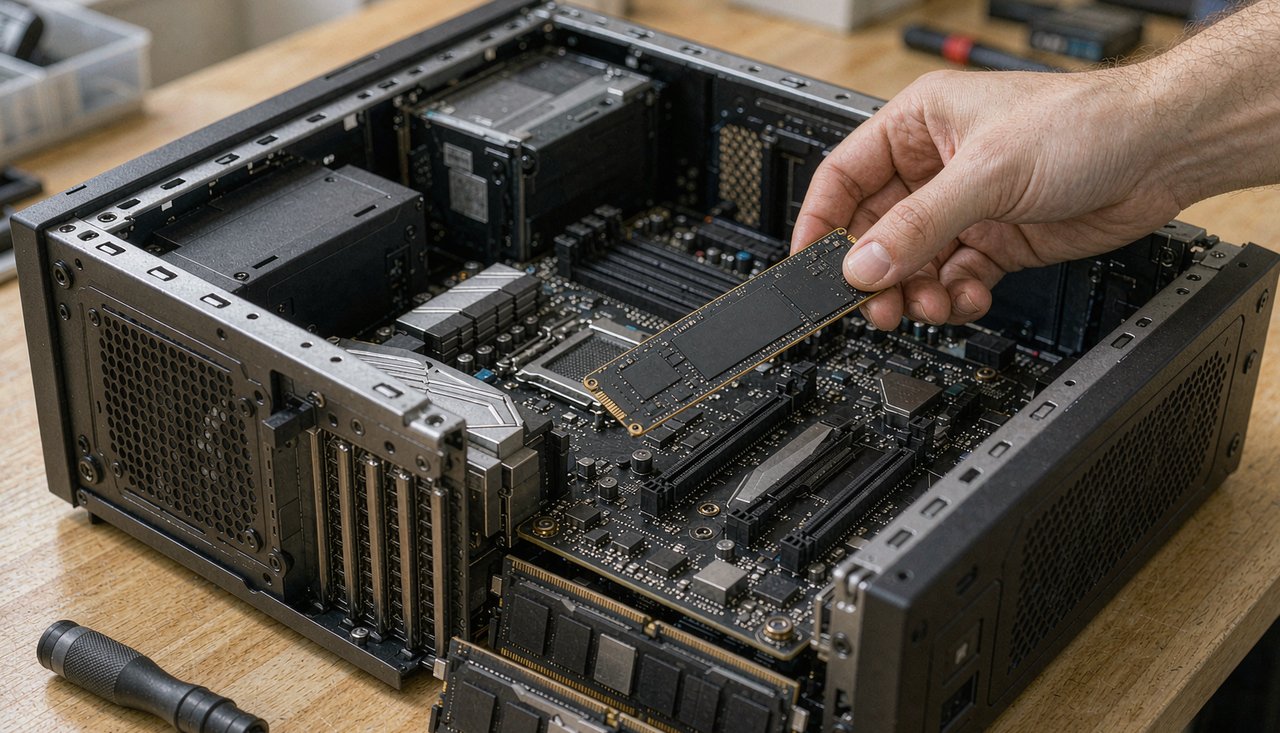
An open PC case with an M.2 solid state drive being installed next to a screwdriver on a desk
7 min read

Free Up Space for Games Without Losing Your Saves

Modern games eat 100 GB or more and SSDs fill up fast. Here is how to reclaim space methodically — what to move, what is genuinely safe to delete, and how to keep every save file intact.

A gaming desktop setup at night with a mechanical keyboard and a monitor showing a motion-blurred racing game
9 min read

How to Fix Game Stuttering on Windows 11: A Practical Checklist

Stuttering is not the same as low FPS, and the fixes are different. This checklist walks through the seven causes that cover most cases — drivers, overlays, memory, storage and the Windows 11 settings that quietly work against you.